
rebirthGenerated with GenGUI
Rebirth UI
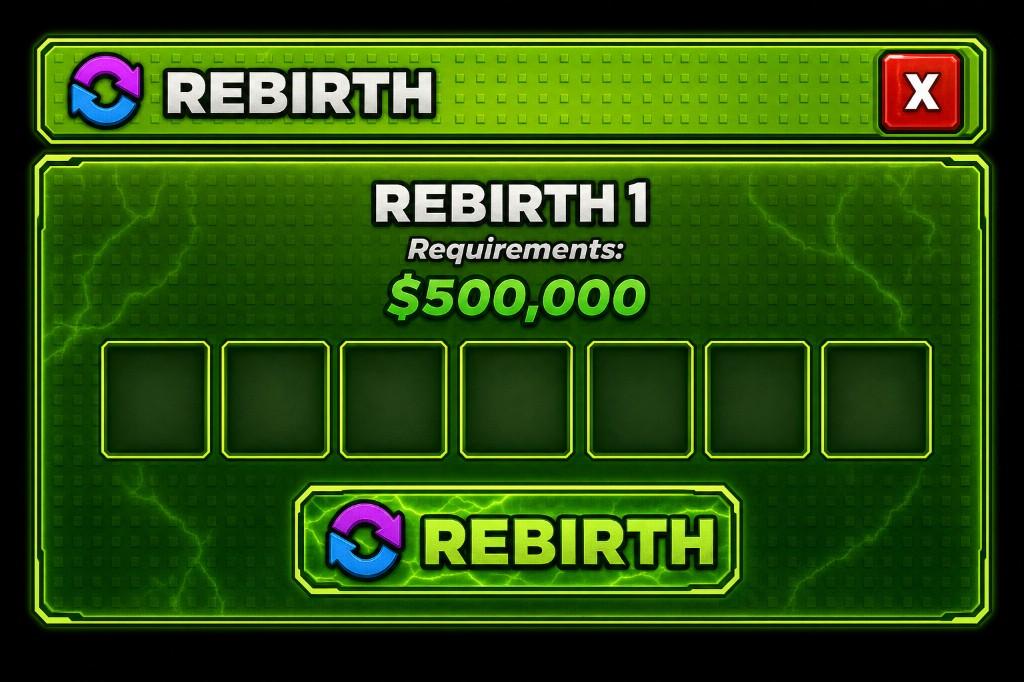
Neon progression-reset confirmation screen
A high-contrast rebirth concept with a visible requirement, reward slots, and a dominant confirmation action. The hierarchy is designed to help a player understand the cost and result before resetting progression.
Generation prompt
A neon green rebirth menu with a cash requirement, item slots, and a large confirm button.
Visible interface elements
The concept visibly includes these parts; final object structure depends on reconstruction and review.
- Current requirement or cost
- Reward or bonus preview slots
- Primary rebirth confirmation button
- Secondary exit or cancel control
- High-contrast panel framing
Game context and implementation notes
- Suitable context
- This screen pattern fits simulator and incremental games that exchange current progress for a permanent bonus or new progression cycle.
- Workflow note
- GenGUI generated the visual concept shown here. The rebirth calculation and reward grant are not part of the image; they must be implemented and validated on the server.
Learn how reconstruction and export work in the AI generation guide and Studio export guide.