

Generated with GenGUI
Roblox UI examples.
Real GenGUI visual concepts with their prompts, visible interface elements, suitable game contexts, and honest implementation notes.
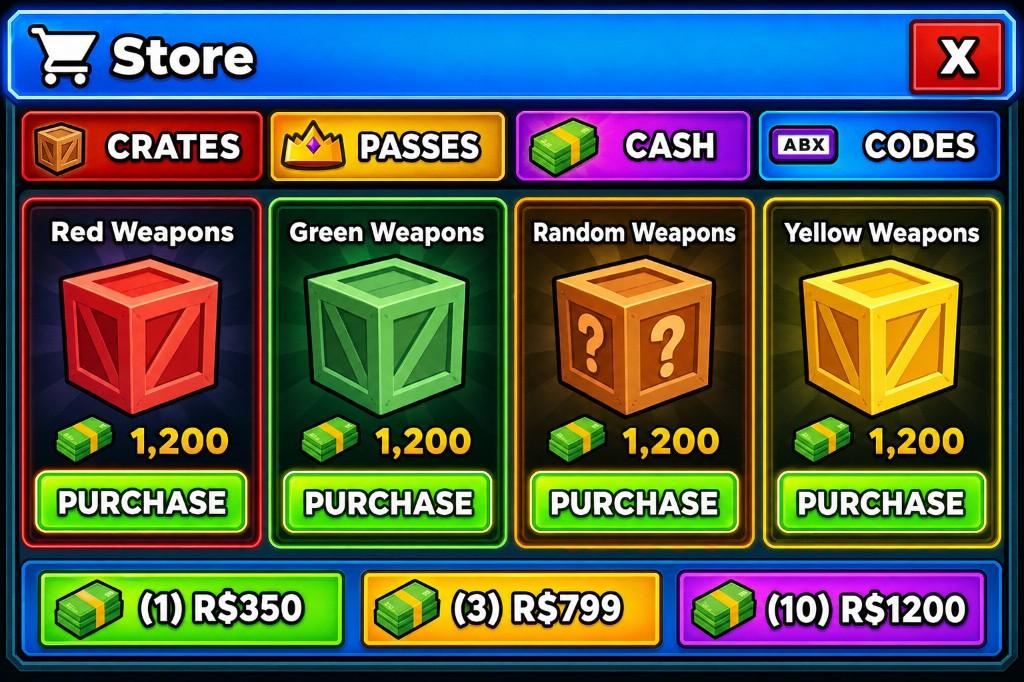
Game Store UI
Colorful crate shop with tabs and purchase controls
A colorful Roblox shop concept organized around category tabs, product cards, currency packs, and prominent purchase actions. The composition keeps browsing controls near the top and uses repeated cards to make products easy to compare.
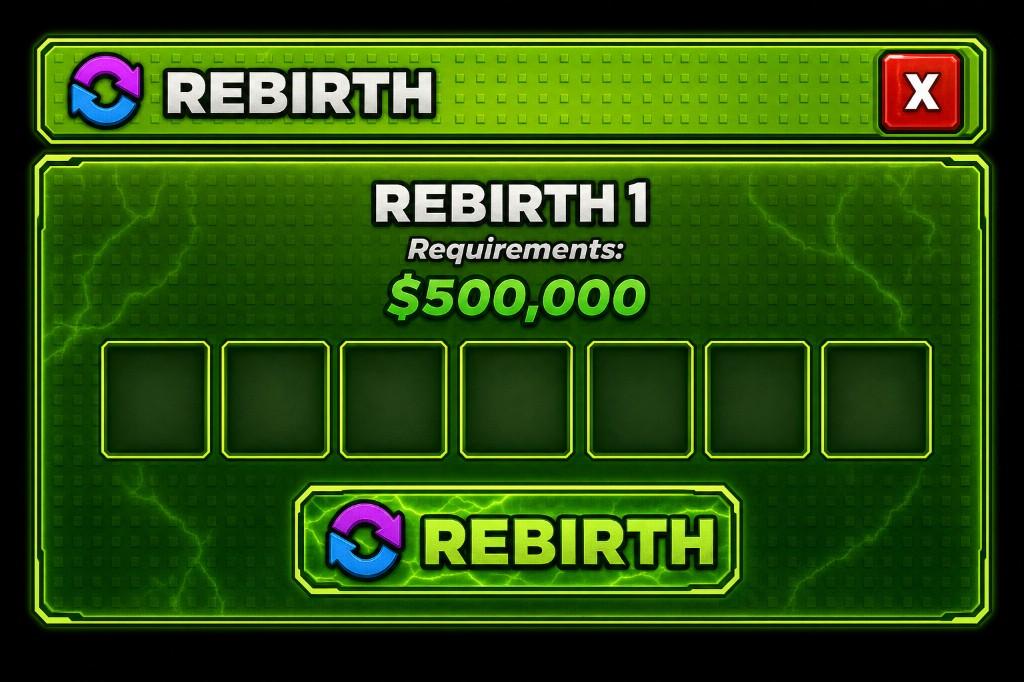
Rebirth UI
Neon progression-reset confirmation screen
A high-contrast rebirth concept with a visible requirement, reward slots, and a dominant confirmation action. The hierarchy is designed to help a player understand the cost and result before resetting progression.
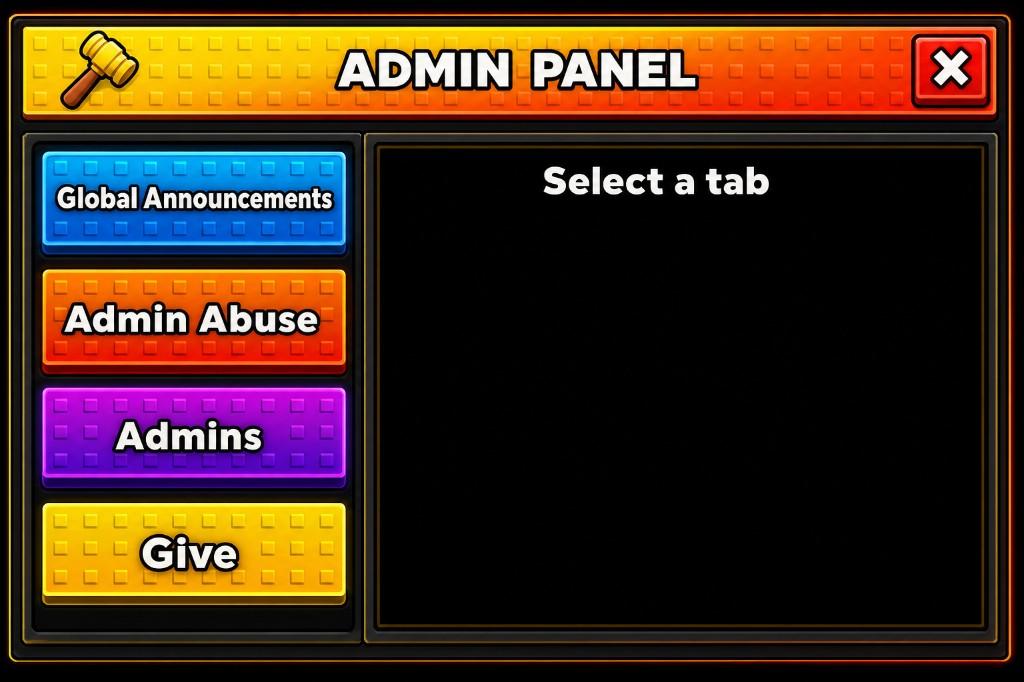
Admin Panel UI
Sidebar navigation with a structured content region
A Roblox-style admin panel concept with a studded header, color-coded sidebar tabs, and a large content pane. The navigation separates categories from the currently selected tool so the central area can change without replacing the whole shell.
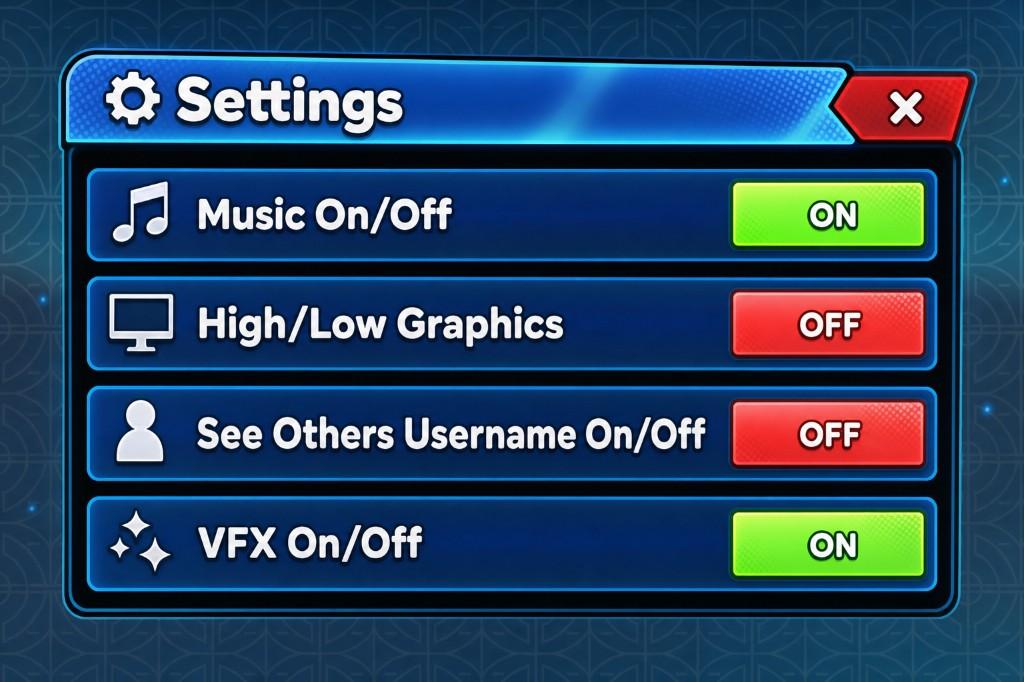
Settings UI
Glossy option rows with visible toggle states
A settings-screen concept with icon-labeled rows and clear on/off controls for music, graphics, and visual effects. Repeated rows make the panel easy to scan, while contrasting toggle states communicate each current value.
Your turn
Generate the interface your game needs.
Describe your UI in a prompt, optionally attach a reference, then reconstruct and refine the result before exporting it for Roblox Studio.